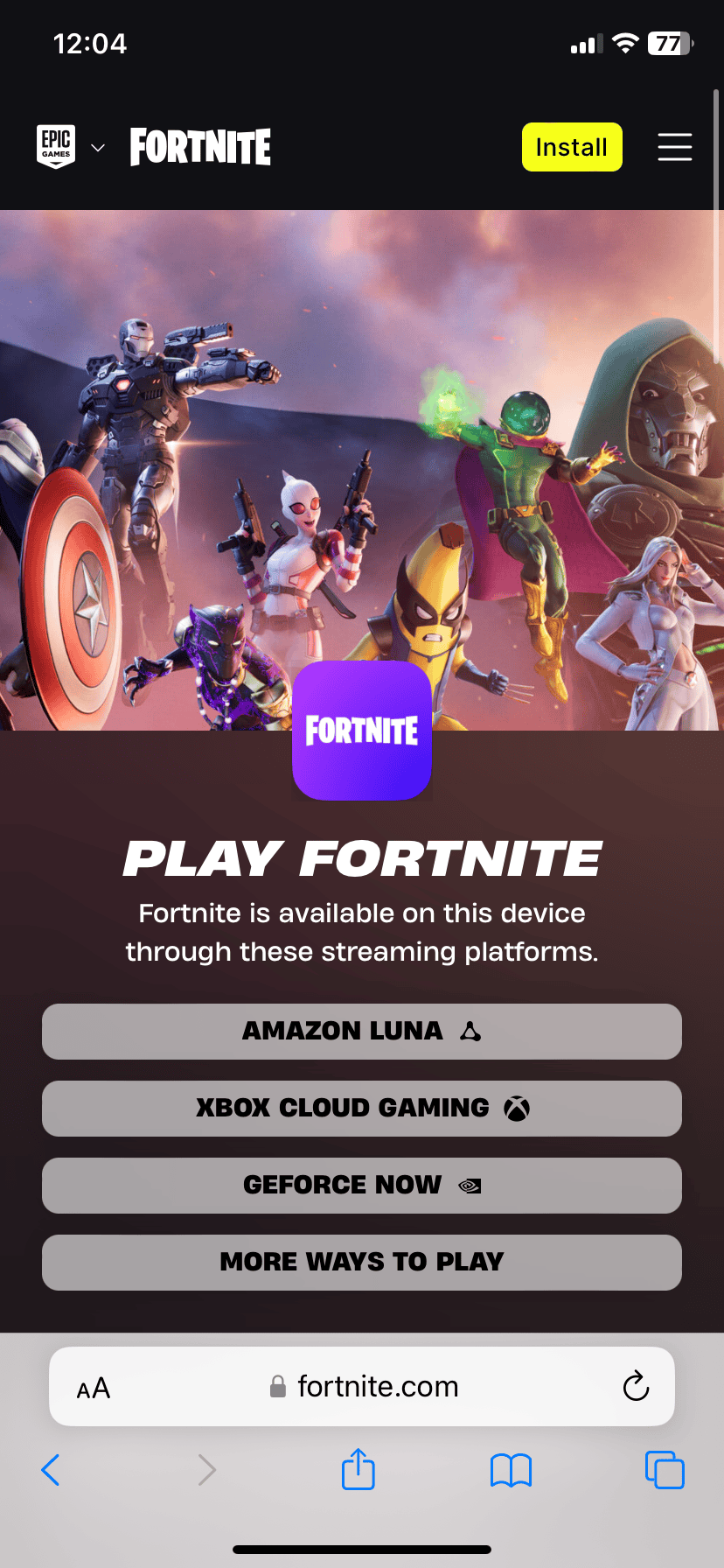
If you’re looking to play Fortnite on your iPhone, you may have heard that it’s no longer available on the App Store. However, there are still alternative options for iOS users. You can now access Fortnite through cloud gaming services such as Xbox Cloud Gaming, GeForce NOW, or Amazon Luna. Additionally, European users have the option to download the Epic Games Store app on their iPhones and install Fortnite directly. Please note that this method is only available to users in the European Union due to new laws. Cloud gaming requires a fast internet connection, but it provides a workaround for iPhone users to enjoy Fortnite without waiting for app store approval.
Fortnite on iPhone: It’s Not Gone, Just Different
You might have heard thatFortniteis no longer on the App Store. That’s true, but don’t worry! You can still playFortniteon your iPhone. You just need to know where to look. Here are the main ways to drop back into the battle royale action on your iOS device.
Cloud Gaming: Your Gateway to Fortnite
Cloud gaming is the easiest way to playFortniteon your iPhone these days. It’s like streaming a movie, but you’re streaming a game. You play it over the internet, and all the processing happens on powerful servers, not on your phone. This means you don’t need a super powerful iPhone to play.
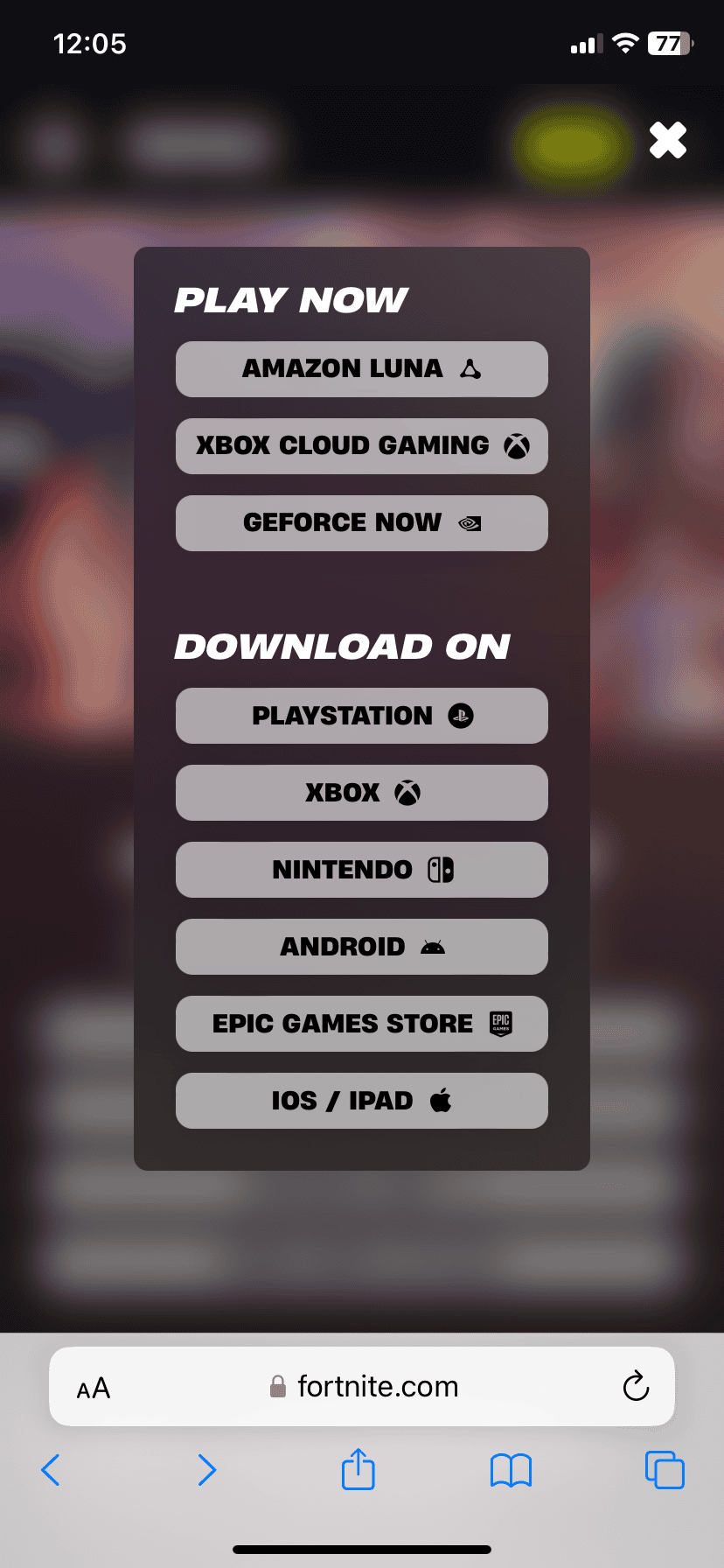
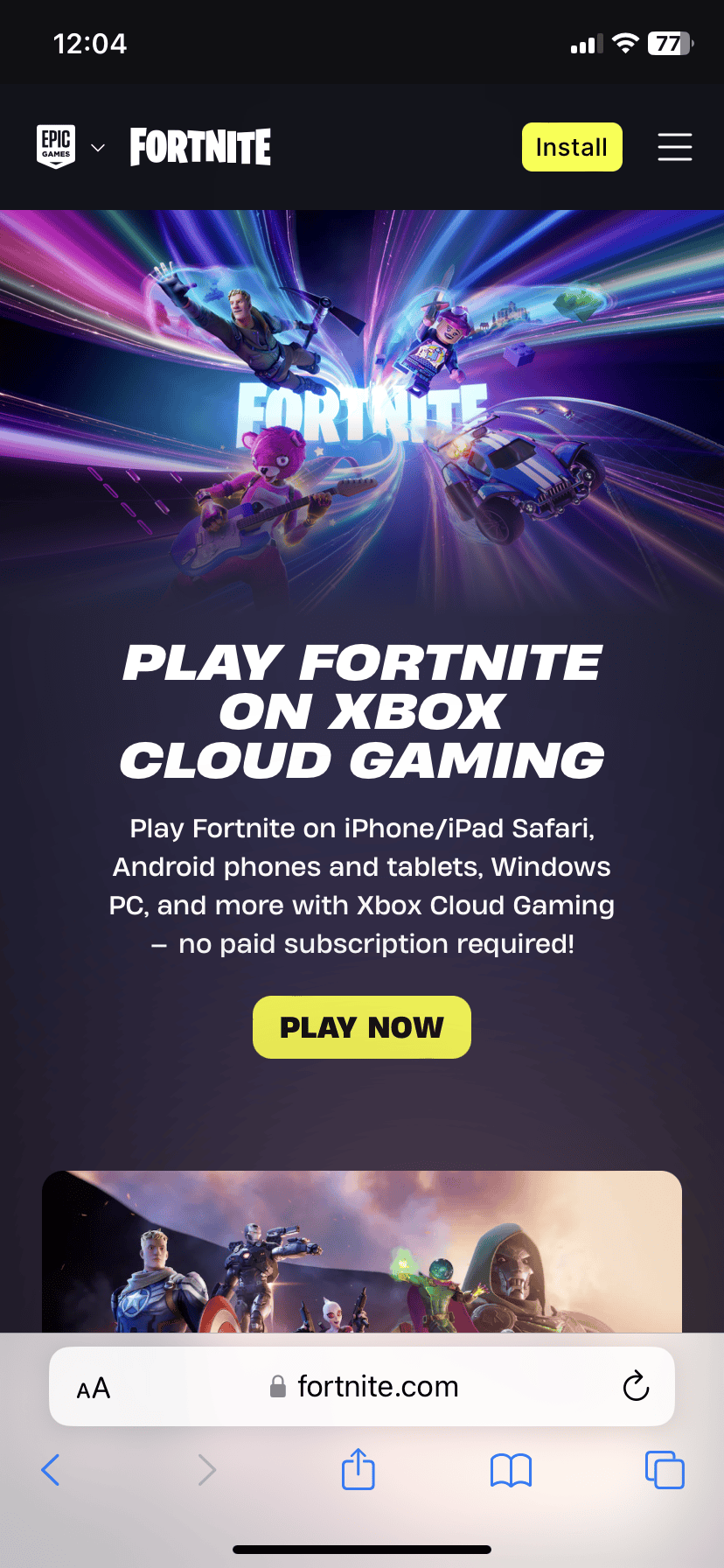
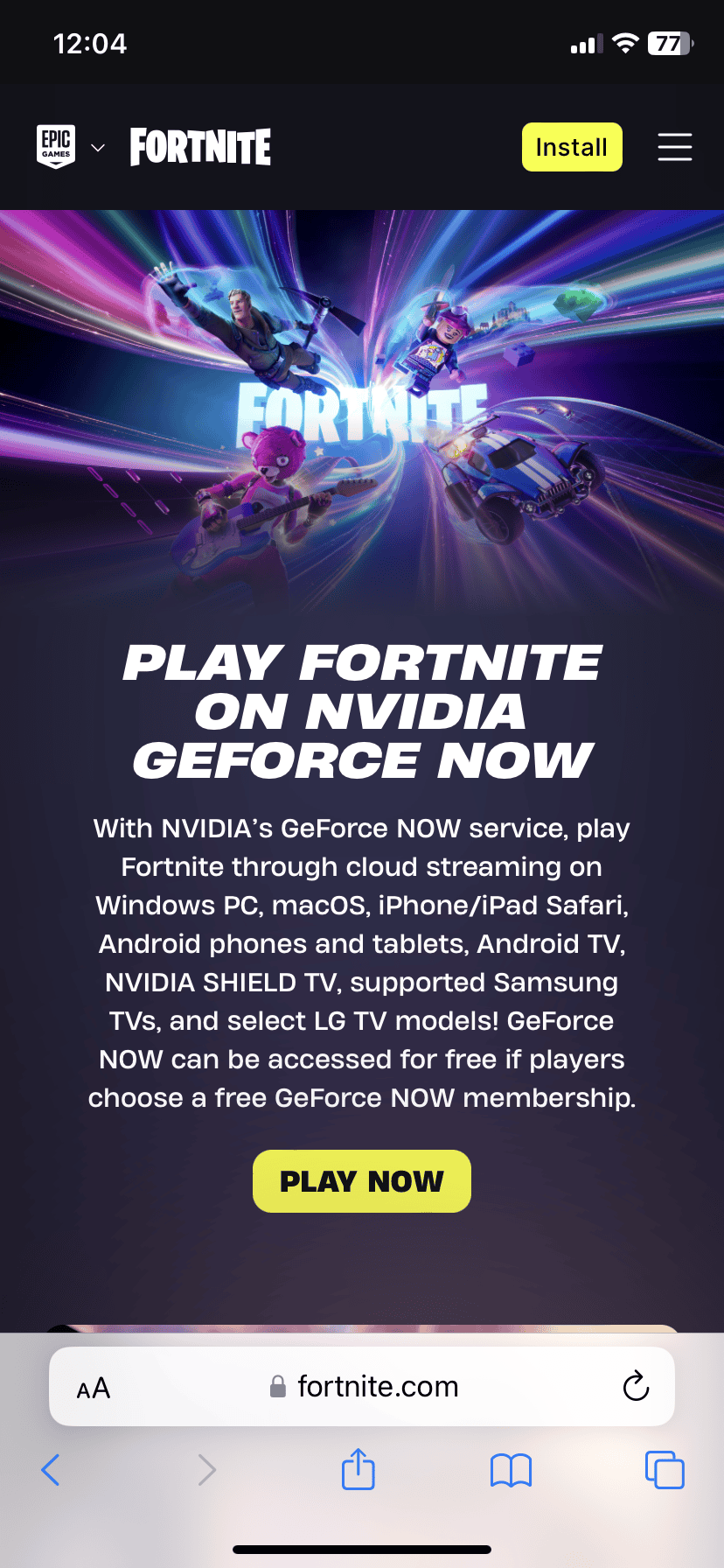
Here are some cloud gaming services that offerFortnite:
Just remember that cloud gaming needs a good internet connection. Make sure you have a strong Wi-Fi or cellular signal for the best experience.
Epic Games Store (Limited Availability)
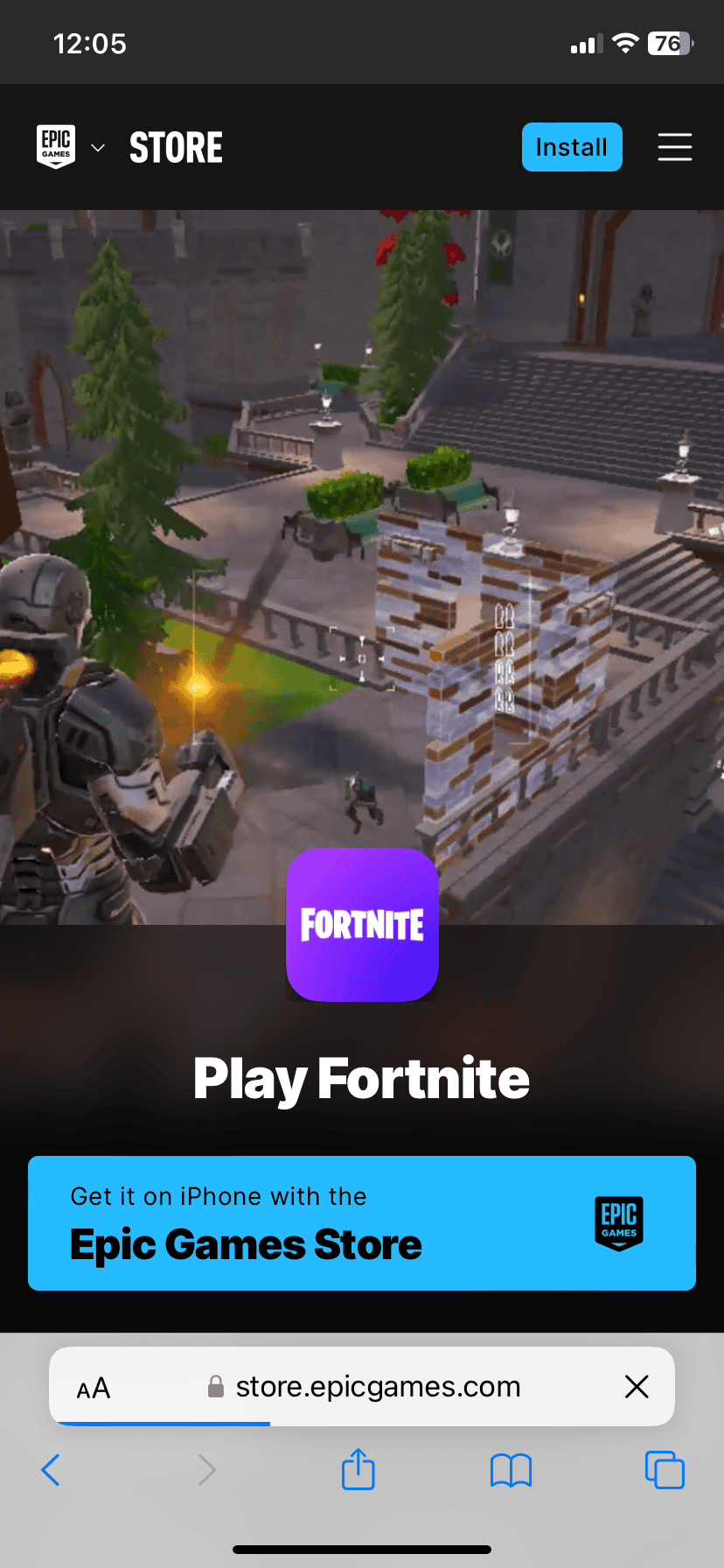
If you live in the European Union, you have another option. you’re able to download the Epic Games Store app right on your iPhone. Then, you can downloadFortnitefrom the Epic Games Store. This is because of new rules in the EU that allow different app stores on iPhones.
Unfortunately, this option isn’t available in other regions yet.
What About the App Store?
You can’t downloadFortnitedirectly from the App Store anymore because of a disagreement between Epic Games (the makers ofFortnite) and Apple. But the other methods above work great!
Ways to Play Fortnite on iPhone
To see all the options be sure to visit:https://www.fortnite.com/download
Key Takeaways
Setting Up Fortnite on iPhone
Playing Fortnite on iPhone is now possible through cloud gaming services and alternative methods. These options let you enjoy the game without needing to download it directly to your device.
Using Cloud Gaming Services
Xbox Cloud Gaming is a top choice for playing Fortnite on iPhone. To start:
You’ll need agood internet connectionfor smooth gameplay. 5G or fast Wi-Fi works best. You can use touch controls or connect a Bluetooth controller for easier play.
GeForce NOW is another option:
Alternative Methods for iOS Devices
The Epic Games Store app lets youinstall Fortniteon some iPhones. This method works for certain models running iOS 16.4 or later:
If that doesn’t work you can try AltStore:
These steps may be more complex but can work when other methods fail.
Frequently Asked Questions
Fortnite fans can play on iPhones through cloud gaming services. There are also some ways to get the game on iOS devices in certain regions.
Can you play Fortnite on an iPhone and if so, how?
Yes you can play Fortnite on an iPhone. The main way is through cloud gaming services like GeForce NOW or Xbox Cloud Gaming. These let you stream the game without downloading it. You just need a good internet connection.
Is it possible to play Fortnite on the iPhone for free, and what are the steps?
Playing Fortnite on iPhone is free with cloud gaming. Here are the steps:
What are the methods to play Fortnite on an iPhone without using Cloud Gaming services?
In most places there’s no way to play Fortnite on iPhone without cloud gaming. But in the EU iPhone users can download the Epic Games Store app. Then they can install Fortnite directly on their device.
How can Fortnite be accessed and played on an iPad?
The ways to play Fortnite on iPad are the same as iPhone. Use cloud gaming services through Safari. Or if you’re in the EU download the Epic Games Store app and install Fortnite that way.
Are there official ways to download and install Fortnite on an iPhone?
There are no official ways to download Fortnite on iPhone in most regions. Apple removed it from the App Store in 2020. The only exception is in the EU where users can get it through the Epic Games Store.
Will Fortnite be available again on the Apple App Store in the future?
It’s unclear if Fortnite will return to the App Store. Epic Games and Apple are still in a legal battle. For now cloud gaming is the main way to play on iOS. But things could change in the future.