Apple Pay is a payment technology that enables users to make secure and private transactions using their Apple devices. It is easy to set up in the Wallet app, and anyone with an iPhone, iPad, Mac, or Apple Watch can add their credit, debit, or store cards and start using Apple Pay. This payment service standardizes contactless payments and offers an alternative to cash or physical cards.
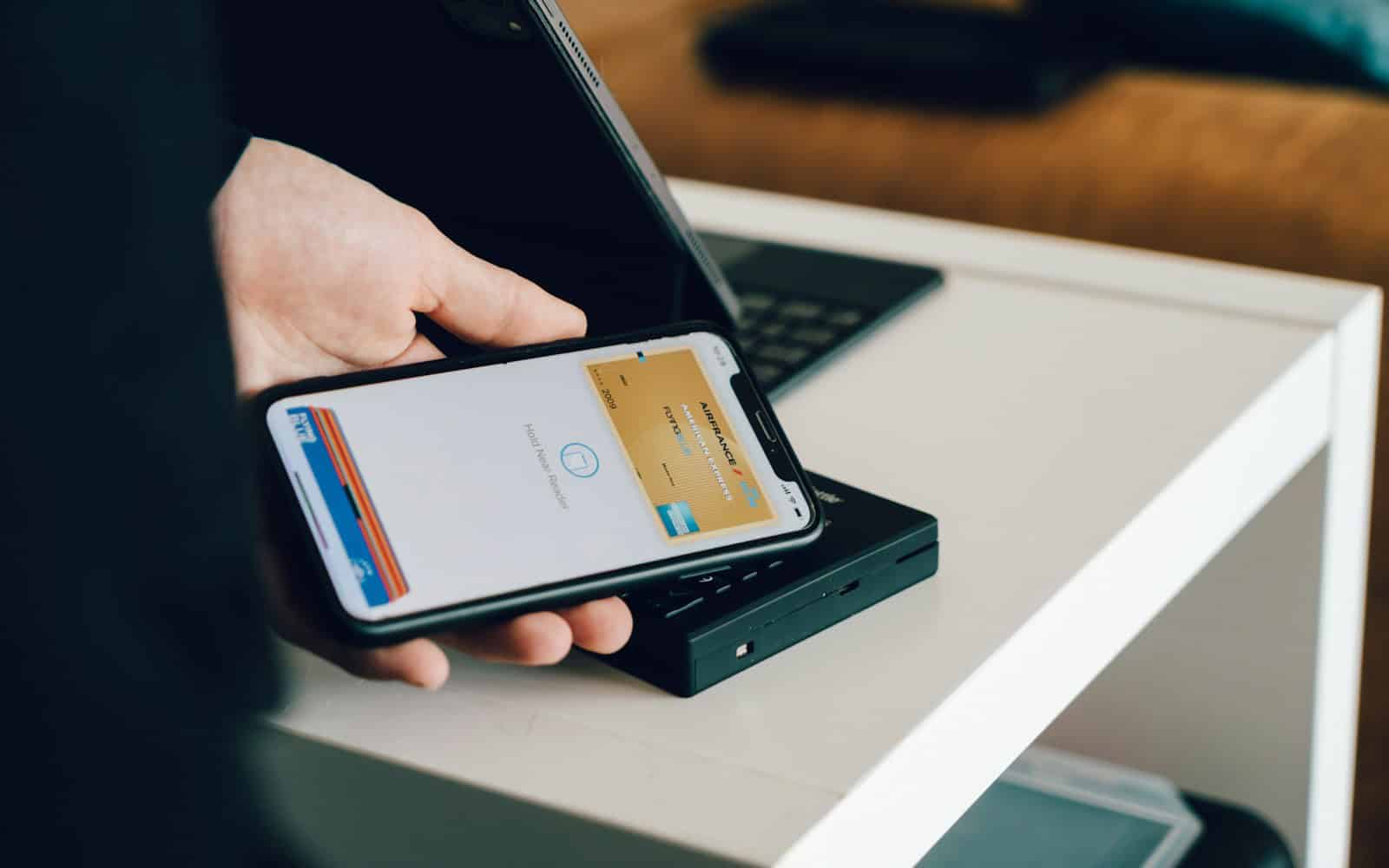
To ensure privacy and security, Apple Pay does not store card numbers on the device or Apple servers, and each transaction is authorized with Face ID, Touch ID, or a passcode. Making a payment with Apple Pay is straightforward. In stores, users can hold their device near a contactless reader with their finger on Touch ID or double-click the side button for Face ID. Online and in-app purchases are just as easy, requiring only a simple tap to pay without the need to create accounts or fill out lengthy forms. Apple Pay has expanded its reach since its launch and now includes public transport systems in various cities, enabling a quick and easy tap to ride.
Understanding Apple Pay: Secure & Convenient Payments
Apple Pay offers a fast, secure, and convenient way to make payments with your Apple devices. Let’s break down how it works and the benefits it provides.
Setting Up Apple Pay
Adding your credit or debit cards to Apple Pay is a simple process:
How to Use Apple Pay in Stores
Using Apple Pay Online and in Apps
Does Apple Pay Work With Android?
No, Apple Pay is not available on Android devices. Apple Pay is designed to work exclusively with Apple devices and their operating system, iOS. Here are some reasons why Apple Pay is not compatible with Android:
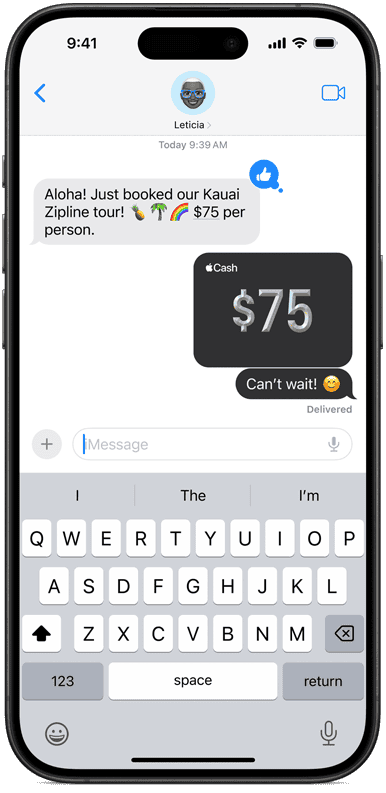
However, Android devices can receive money from Apple devices. You can also accept Apple Pay payments on an Android device using Tap to Pay on Android. Tap to Pay on Android allows you to accept contactless payments from Apple Pay, Google Pay, Samsung Pay, and payment cards with NFC chips.
Security Features
Apple Pay prioritizes security by:
Apple Pay Benefits
Compatible Devices
Does Apple Pay Work Without Internet
Yes, Apple Pay works even without an internet connection! It’s a fantastic feature for those moments when you’re in a spot with bad reception or have your phone in airplane mode.
Apple Pay uses NFC (Near-Field Communication) technology to talk directly to the payment terminal. It doesn’t need to go online to process your transaction. So, next time you’re offline, feel confident knowing Apple Pay has you covered.
Key Takeaways
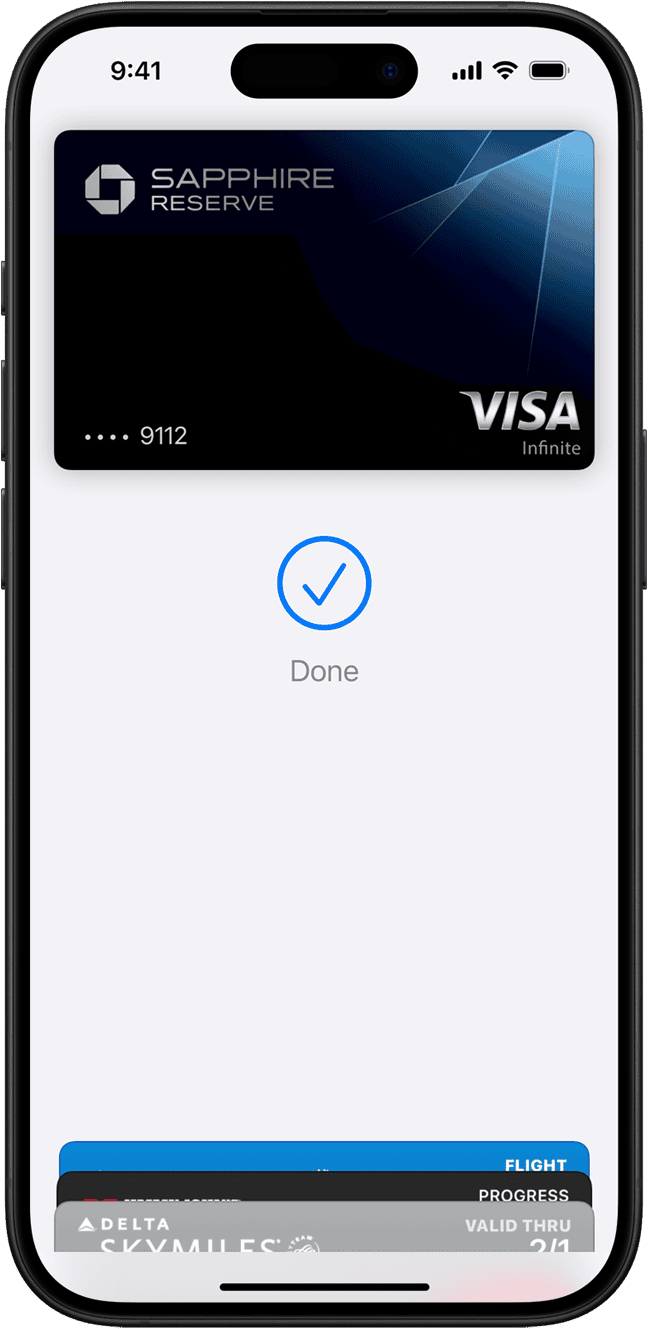
Apple Pay provides a secure and convenient way to make payments using Apple devices. Setting it up requires adding payment cards to the Wallet app, ensuring device compatibility, and verifying cards with banks.
Adding Cards to Wallet
To add a credit or debit card on an iPhone, open the Wallet app and tap the plus sign. For an iPad or Mac with Touch ID, navigate to Settings > Wallet & Apple Pay. On an Apple Watch, open the Wallet app and select ‘Add Credit or Debit Card.’ Follow the on-screen instructions to input card details.
Compatibility and Requirements
Apple Pay works on various Apple devices, including iPhone models with Face ID or Touch ID, certain models of iPad, Mac, and Apple Watch. The device must have the latest version of iOS, watchOS, or macOS. For Mac without built-in Touch ID, verify that the model enables Apple Pay.
Verification with Banks and Card Issuers
After adding a card, banks or card issuers must verify it before use. This may involve a short waiting period. Once verified, the card gets set as the default payment method. Assistance is available on the support page for participating banks if needed.
Making Payments with Apple Pay
Apple Pay transforms your mobile device into a digital wallet, allowing for swift and safe transactions. It uses near-field communication technology for in-store purchases and seamlessly integrates for online or in-app transactions.
In-Store Purchases
To use Apple Pay in stores, hold your iPhone near the payment terminal with your finger on Touch ID or double-click the side button for Face ID. For Apple Watch, double-click the side button and hold the display of the Apple Watch up to the reader. The payment terminal will detect the token transmitted by your device, which represents your card’s information in a secure format, and process the payment without transmitting your actual card number.
Online and In-App Transactions
Online shopping with Apple Pay via Safari on your iPhone, iPad, or Mac is simple. When you see Apple Pay as a payment option, select it, then confirm your desire to use it with Touch ID or Face ID. For in-app purchases, tap the Apple Pay button and authorize the payment with your fingerprint or facial recognition. You do not need to manually fill out lengthy checkout forms, making the transaction quick and protecting your privacy.
Using Apple Pay in Different Countries
Apple Pay is widely accepted at merchants, restaurants, taxis, and more. It functions in various countries similarly to how it works in the United States. Before you travel, check if your card issuer supports use in your destination and be aware of possible foreign transaction fees that might apply. The device’s region setting must match the card’s issuing region for the service to work.
Is there an Apple Wallet for Android?
No, there is no Apple Wallet or Apple Pay for Android. Apple Pay is designed to work exclusively within the Apple ecosystem, requiring an iPhone or Apple Watch for use. You cannot directly transfer Apple Pay funds to Google Pay. However, you can transfer funds from your Apple Pay Cash card to a bank account, and then transfer those funds to Google Pay.
Does Samsung have a version of Apple Pay?
Samsung has its own mobile payment system called Samsung Pay, which is similar to Apple Pay but works on Samsung devices. It uses NFC technology, similar to Apple Pay, and also supports Magnetic Secure Transmission (MST) technology, which allows it to work with older magnetic stripe terminals.
How to accept Apple Pay on Android?
While Android users cannot use Apple Pay to make payments, Android businesses can accept Apple Pay if they have NFC-enabled payment terminals. These terminals can process contactless payments from various mobile wallets, including Apple Pay and Google Pay.
How to add Apple Pay on Samsung?
You cannot add Apple Pay to a Samsung phone. Samsung phones use Samsung Pay, which is their own mobile payment system. However, some retailers offer the option to add your Apple Card to Samsung Pay for purchases.